Crushers
In the Crushers step, you define the various types of crushers included in your simulation, such as jaw crushers or cone crushers. This step focuses on specifying the crusher models rather than creating individual crushers on-site. Later in the setup, you will map specific site crushers to these defined crusher types.
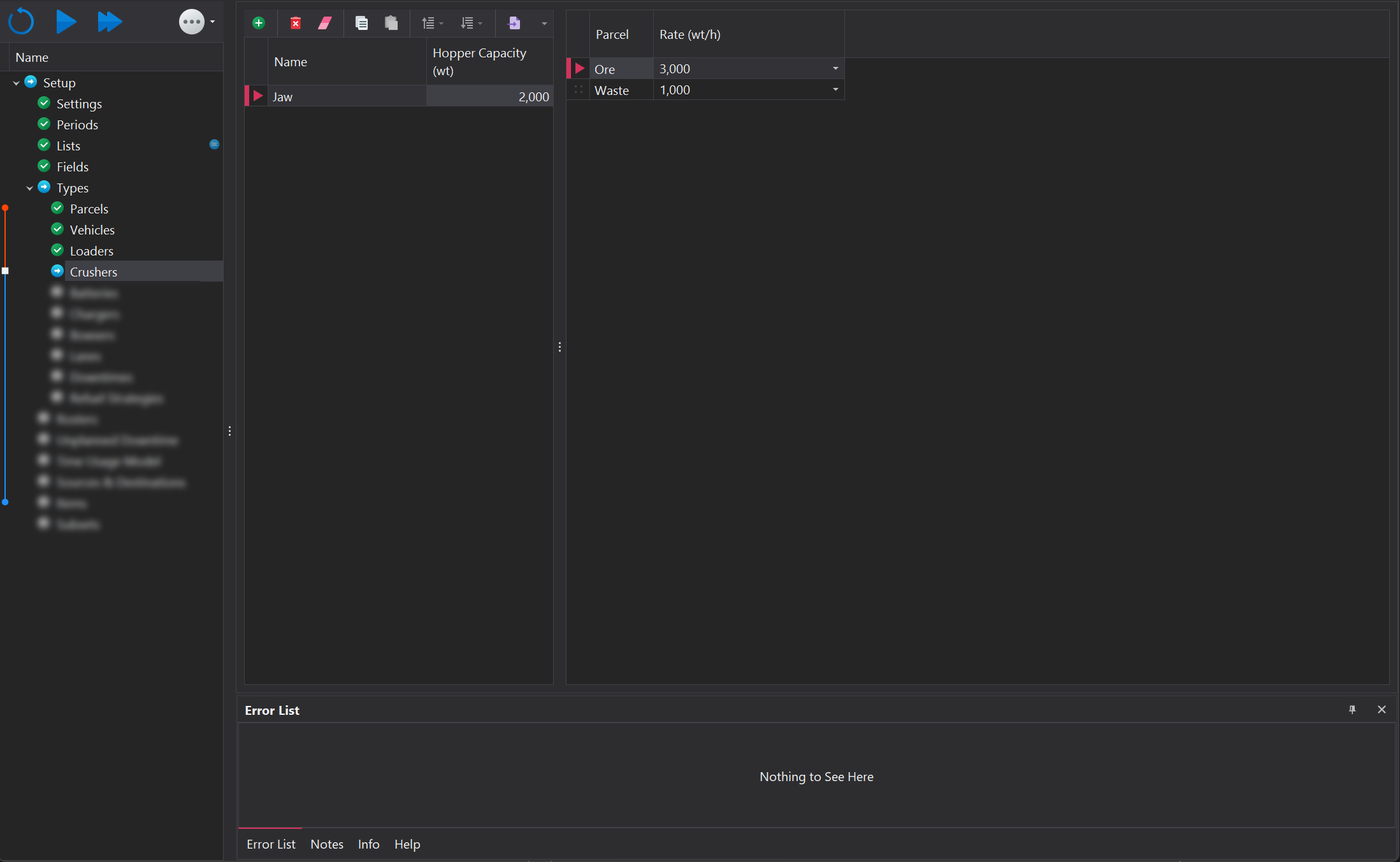
Crushers are managed using the toolbar located at the top of the page. More information on the functions within the toolbar can be found in the Common User Controls page. Each crusher type instance must have the following properties specified:
| Property | Description |
|---|---|
| Name | The type of crusher (e.g., Jaw, Cone), used to identify the crusher model. |
| Hopper Capacity | The maximum volume the crusher's hopper can hold. |
| Parcel Rates | The crushing rate for each parcel type, indicating how much material the crusher can process per unit of time. |
The hopper acts as a storage buffer for material before it enters the crusher. If the hopper reaches full capacity, trucks will be unable to tip into the bin until the hopper level drops below the waiting truck's payload